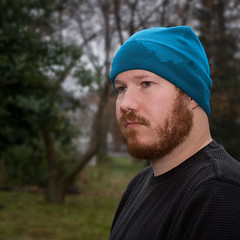
For the past few years I’ve snapped some photos here and there as an attendee at FOWD. This year I stepped it up and covered the event as the official photographer for FOWD NYC 2011. With 2 simultanious tracks, and sometimes harsh stage lighting (we were running between the set of Avenue Q and other shows), it was sometimes a challenge trying to get coverage of everyone and still sneak in enough time to listen to what folks were saying. In the end I had a great time at the conference, think I saw and learned a bunch, and it was a treat to hear every speaker in the lineup (if only for a few moments). I hope the results convey how great of a show Carsonified puts on.
Check out the full set of FOWD NYC 2011 photos on Flickr.
Event Highlights
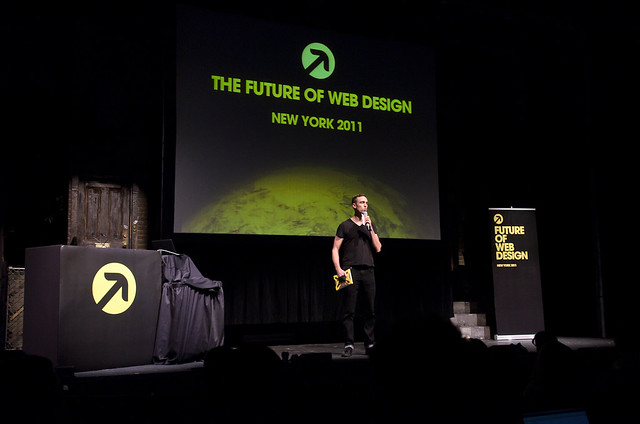
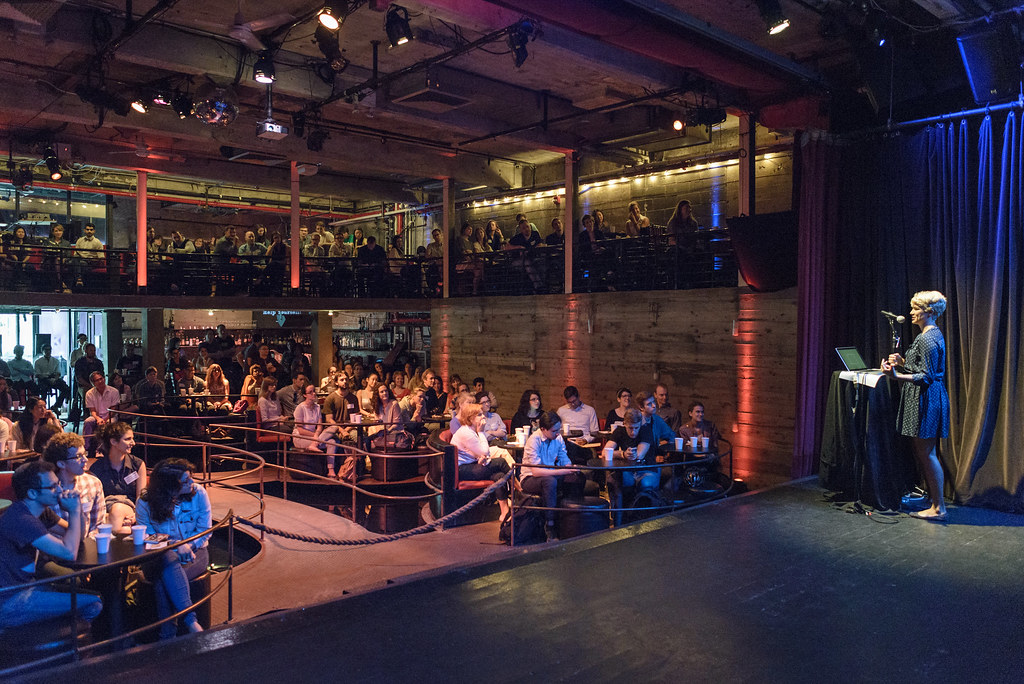
Host, Ryan Carson, addressing the audience
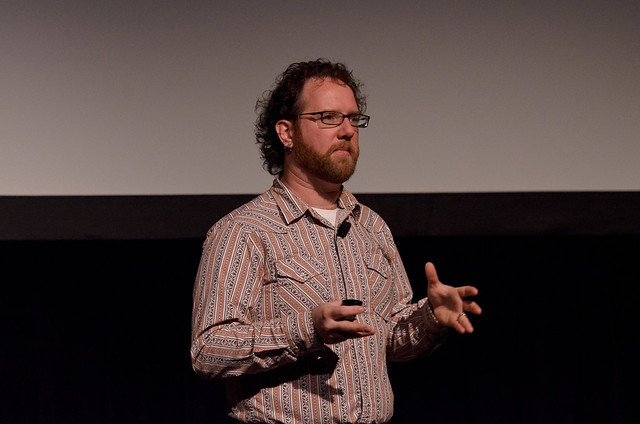
Aaron Gustafson on HTML5
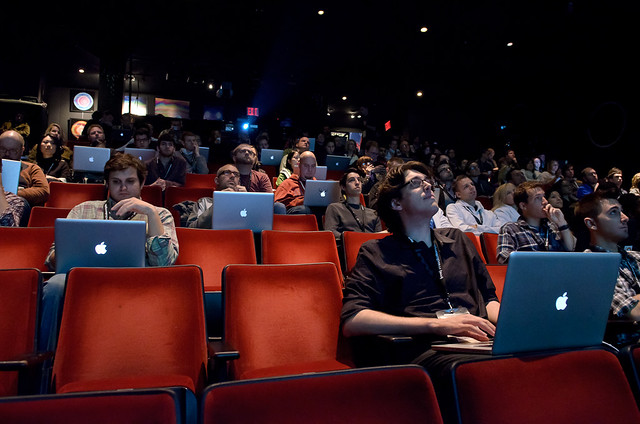
Audience of Apple Users
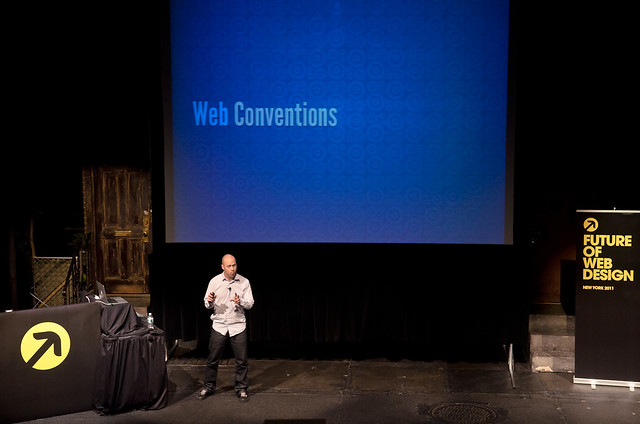
Steve Fisher on the Future of Mobile UX. On the set of Avenue Q
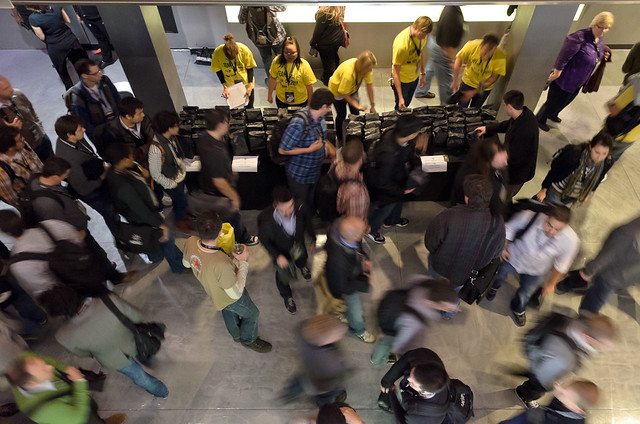
The FOWD Lunch Rush
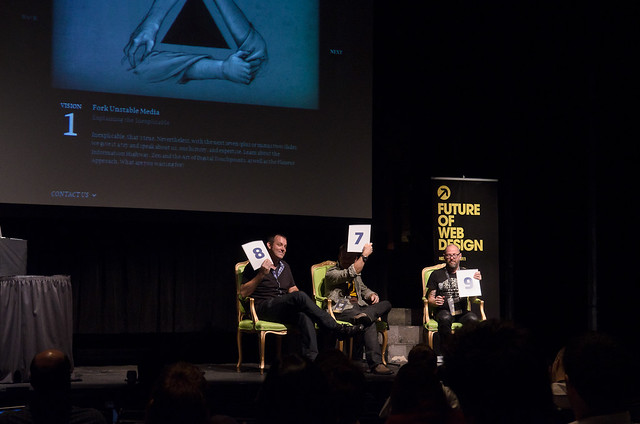
Voting in The Web Font Awards Ceremony
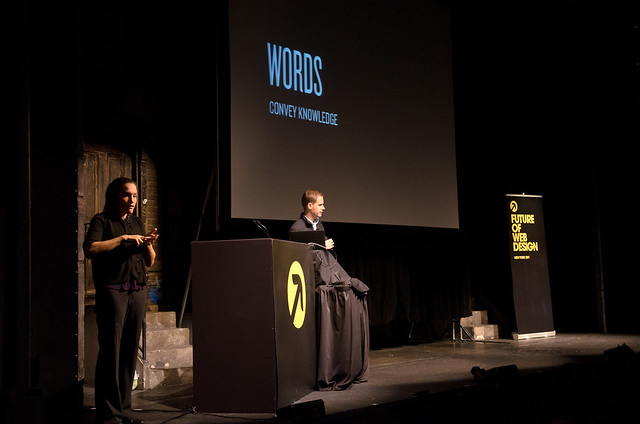
'Words Convey Knowkedge', Cameron Moll. (be they written, spoken, or signed)
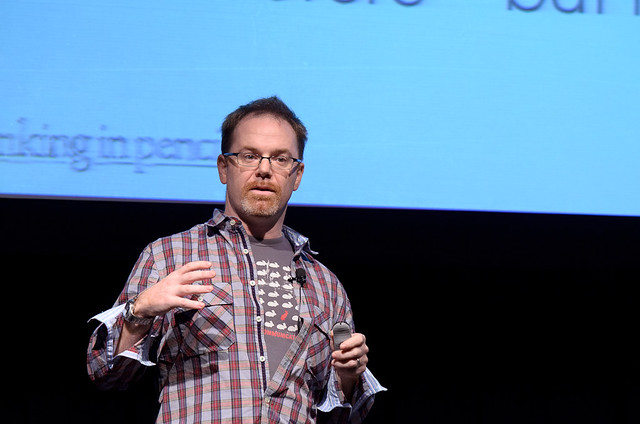
Jason Pamental on what is certain and what is uncertain in our industry
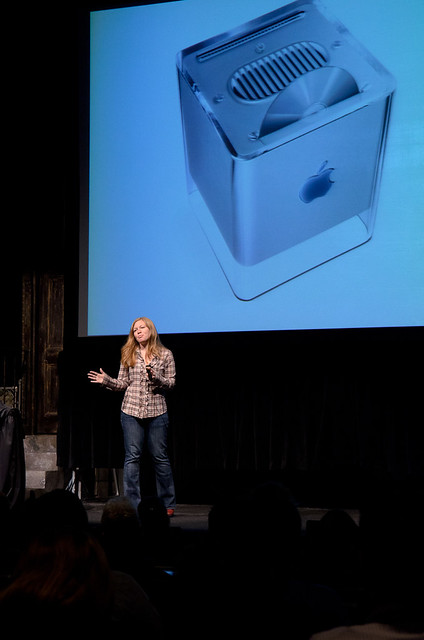
Whitney Hess mentioning one of Apple's rare failure to embrace good Design Principles
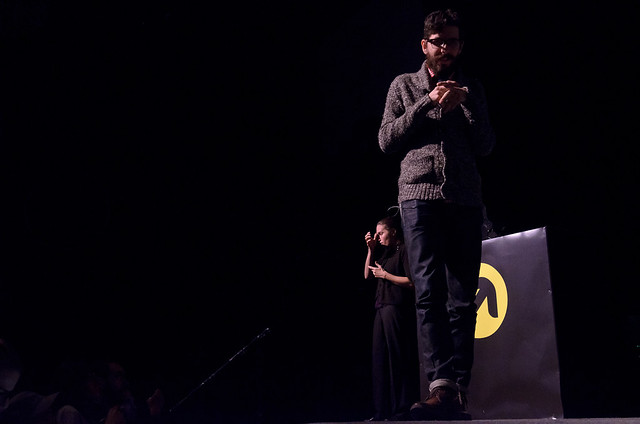
Etsy's Randy J. Hunt on the Future of Branding
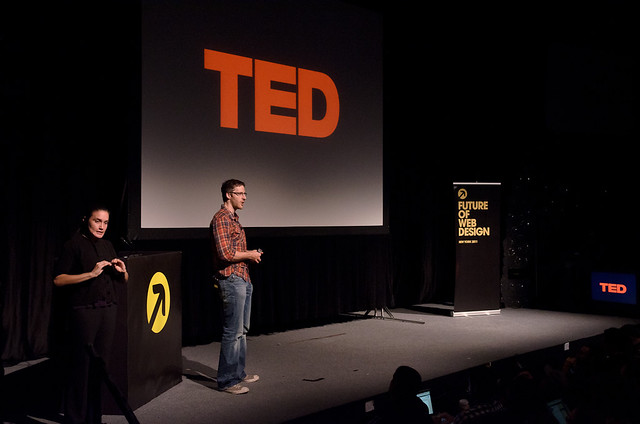
Aaron Weyenberg of TED on Responsive Design
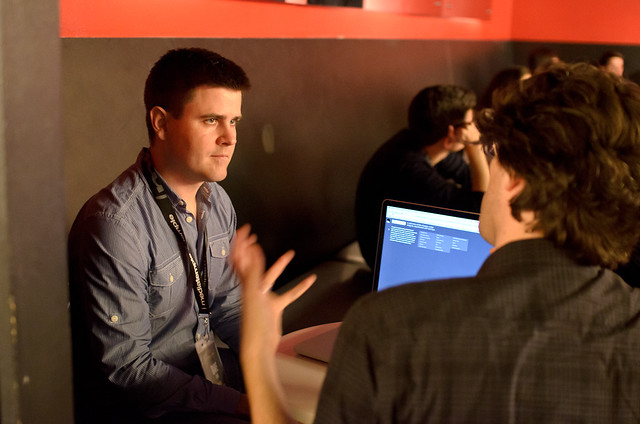
Dave Shea working with an attendee during the 1-on-1 design clinics
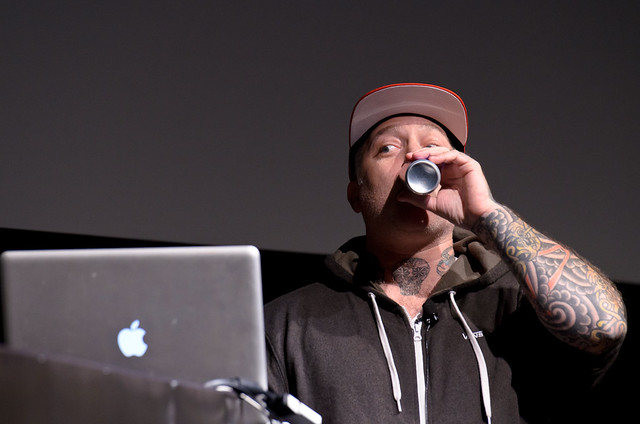
Keynote speaker Joshua Davis refueling on Red Bull in the middle of his energetic presentation on not knowing things
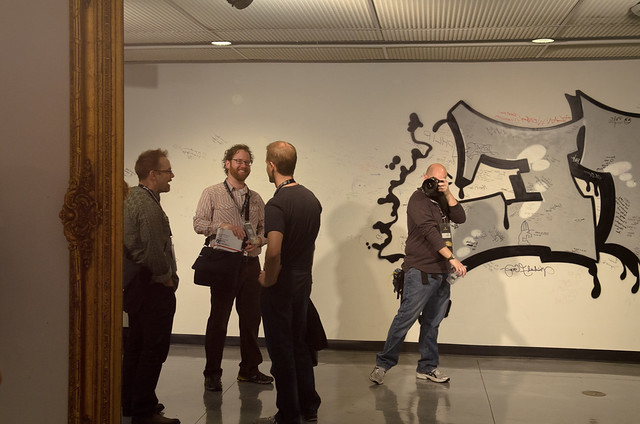
Quick snap of working self portrait in the mirror, starring presenters Aaron, Cameron, and Jason
Other Web Industry Event Photos
If you’re in the New York City web design community keep an eye out for me at events — I’ve usually got a camera over my shoulder, in an official capacity or otherwise. Here’s a few sets from other events:
- Creative Mornings — Jessi Arrington’s Rainbow Parade. Nov. 11, 2011, DUMBO, Brooklyn, NY
- Brooklyn Beta 2011. Oct. 12-14, 2011, Brooklyn, NY
- Past Future of Web Design events: FOWD NYC 2010, FOWD NYC 2009, FOWD NYC 2008, FOWD NYC 2007
![Point Lobos Wave Watchers [GIF]](https://farm9.staticflickr.com/8213/8429943813_67dc0fb64d_o.gif)
![Damian Kulash [OK GO]](https://farm5.static.flickr.com/4153/4988520818_44836a3817.jpg)

![Shepard Fairey [29th & Broadway, NYC]](https://farm4.static.flickr.com/3570/4611316331_23303d0d7d.jpg)



![Space Invaders [week 13]](https://farm4.static.flickr.com/3445/3397452910_748703e3fe.jpg)
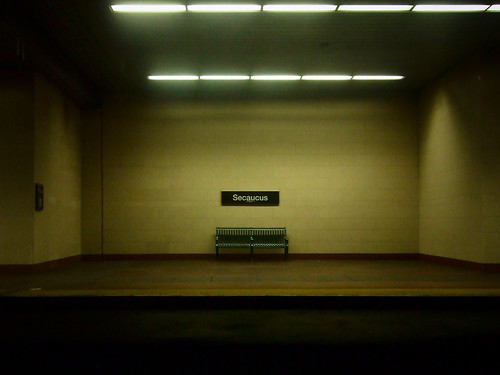
![Scenic Secaucus [Week 7]](https://farm4.static.flickr.com/3248/3286227805_45544fa977.jpg)


![a [still] White Christmas](https://farm4.static.flickr.com/3256/3134719015_9cc68476d5.jpg)